Global Retailer
Enabled 2,000 users with large-scale VDI and cloud migration.
Enterprise IT migration is the structured process of moving workloads, platforms, users, or infrastructure from one environment to another — whether that's a cloud platform transition, a VDI platform swap, an OS upgrade, or a full digital workspace modernization.
Done well, migration is a launchpad for better performance and long-term flexibility. Done poorly, it's a source of cost overruns, user disruption, and technical debt that takes years to unwind. IT migrations are rarely simple lift-and-shift operations. Platform differences, hidden dependencies, and end-user experience disruptions all increase risk.
Avoid the pitfalls of the average migration by choosing a partner with hundreds of migrations under its belt. We help you get it right the first time.
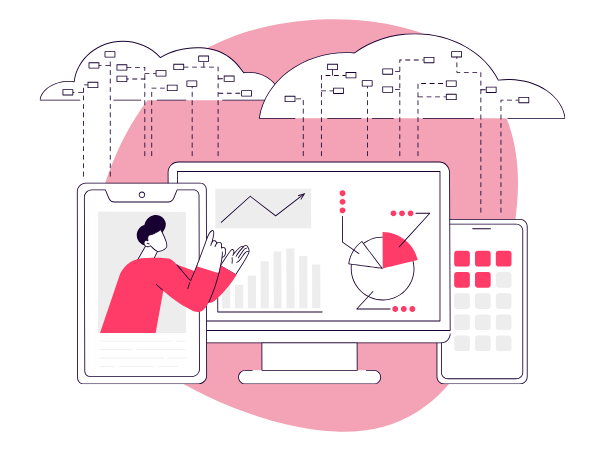
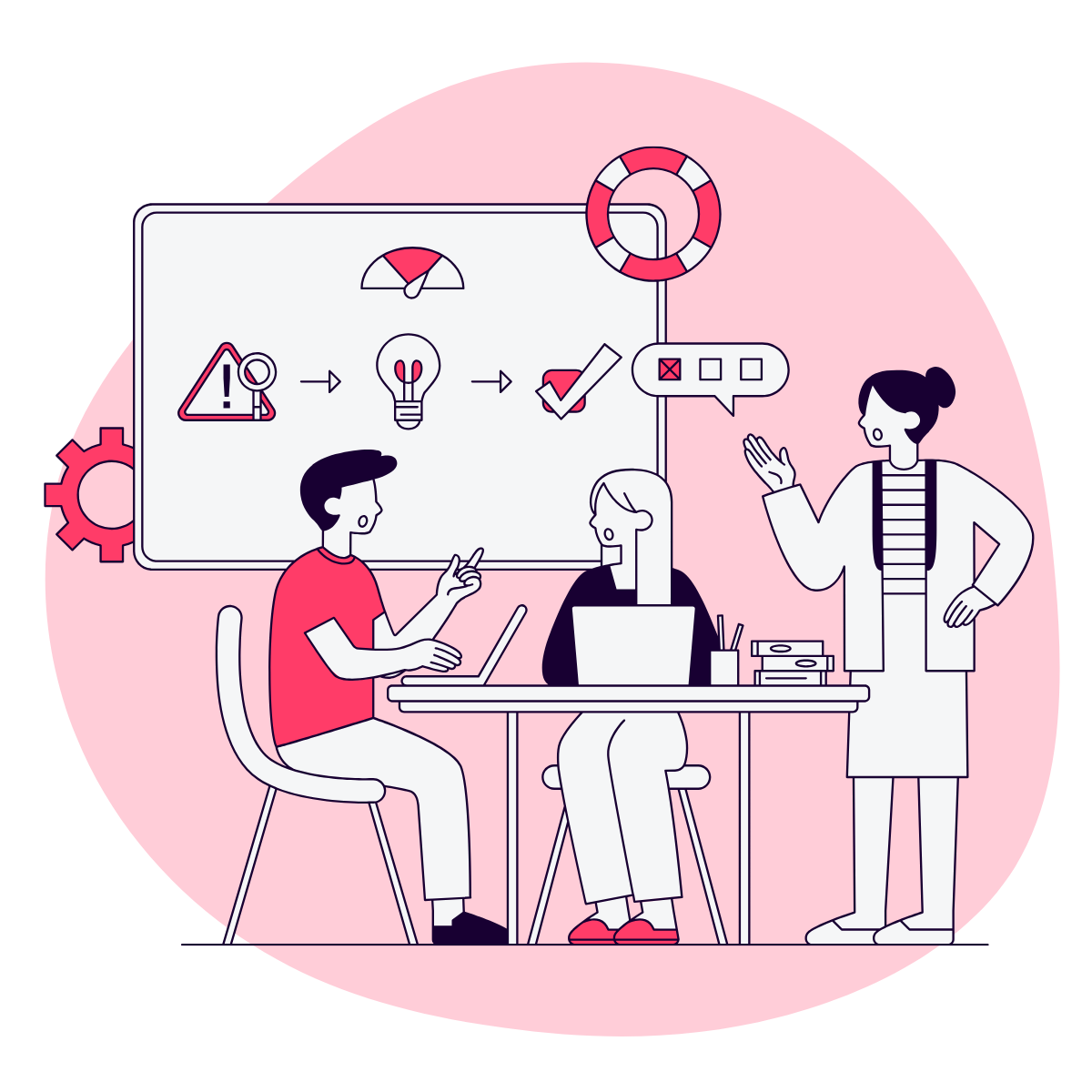
Anunta supports a wide spectrum of migrations:





A field guide for the real world: where the effort actually goes, which assumptions break first, and how to move without breaking what works.
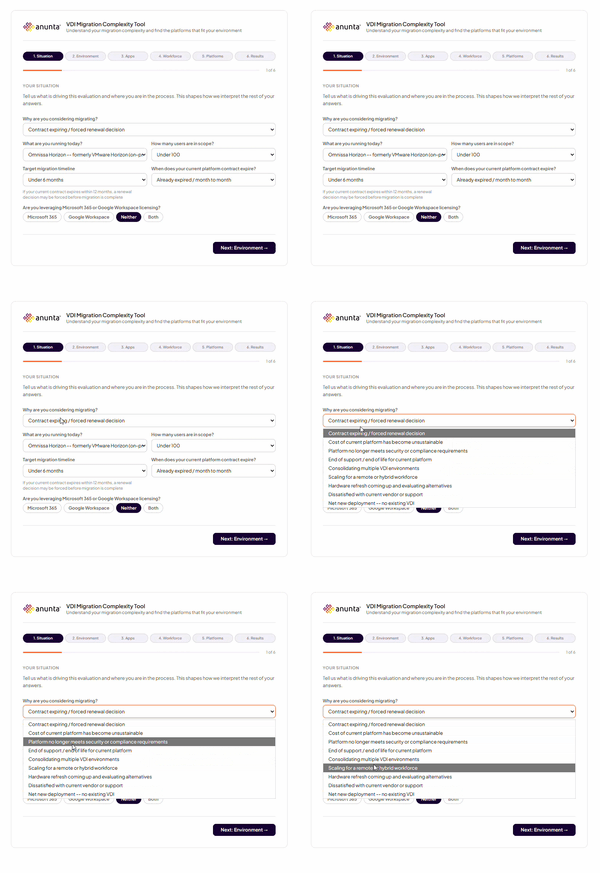
This tool helps you size the challenge and match it to the right options in about three minutes.
.png?width=600&height=600&name=Blobs%20(1).png "Blobs (1)")
Enabled 2,000 users with large-scale VDI and cloud migration.
Completed secure Windows 11 migration across hybrid infrastructure.
Delivered seamless migration to a hybrid-ready environment with 99.9% uptime.
Migration refers specifically to moving from one environment to another — a platform swap, a cloud transition, or an OS upgrade. Modernization is a broader term that encompasses migration but also includes re-architecting how the environment is designed, managed, and operated. Many organizations begin with a migration and use it as the opportunity to modernize — adopting new management tooling, updating their security posture, or shifting from on-premises to cloud-hosted delivery. Anunta supports both, and the distinction matters for scoping the right engagement.
Yes. Platform-agnosticism isn't just a capability for us — it's a philosophy. We don't have a preferred platform to sell you into, so our recommendations are driven by your performance requirements, compliance obligations, and long-term flexibility needs. We advise on licensing models, hosting options, and architecture decisions that protect your ability to adapt as platforms and pricing evolve.
The most consistent failure patterns are inadequate upfront planning, underestimated application dependencies, insufficient user readiness, and treating migration as a purely technical project rather than a change management exercise. Organizations that skip the diagnostic phase — jumping straight from decision to execution — consistently encounter more surprises mid-migration. The other major risk is choosing a partner whose experience ends at deployment, leaving the post-cutover stabilization phase without adequate support.
Timelines vary significantly based on environment size, platform complexity, and the number of user personas and applications involved. A focused VDI platform migration for 500–1,000 users might run 8–12 weeks from scoping to go-live. A large-scale cloud migration or full workspace modernization across multiple geographies can run 6–12 months. The most reliable predictor of timeline isn't environment size — it's the quality of upfront planning. Organizations that invest in a thorough diagnostic and Day 0 design phase consistently move faster through execution.
User experience during migration is one of our primary design constraints, not an afterthought. We use phased cutover approaches — migrating cohorts of users in waves rather than all at once — to validate performance and resolve issues before they affect the full user population. Pilot groups test the target environment under real conditions before broad rollout. Where downtime is unavoidable, we schedule cutovers during off-hours and maintain parallel environments until the new platform is fully validated.
We are platform-agnostic across cloud, VDI, and endpoint environments. On the cloud side, we work across Azure, AWS, Google Cloud, and VMware solutions. For VDI and DaaS, we support Citrix, Horizon, AVD, Omnissa, and hybrid configurations. We also support OS migrations — including Windows 10 to 11 — and endpoint and remote access modernization. If your environment spans multiple platforms, we've almost certainly migrated something like it before.
Rollback planning is built into every migration from Day 0, not added as an afterthought. We establish pilot groups to validate the target environment before full cutover, maintain checkpoint backups at key migration milestones, and operate within a formal change control process. If an issue surfaces, we have defined recovery paths ready to execute — so the question is never "what do we do now?" but "which recovery path do we take?"
Yes. Every engagement begins with a structured discovery and diagnostic phase that includes performance benchmarking, dependency mapping, cost modeling, and end-user readiness assessment. This gives you a clear picture of what the migration will actually involve before any commitments are made. If you're not yet ready to migrate, the diagnostic will tell you that too — and give you a roadmap for getting there. Learn more about our Health Check and Diagnostic services →
Yes. User readiness is one of the most underestimated risks in enterprise migrations. We coordinate with internal IT and partner teams on communications planning, training, and helpdesk preparation — especially in high-change environments where user adoption directly affects how quickly the new environment stabilizes post-cutover.
.png "Website - Migration (1)")
Migration is one part of the bigger picture. If you're looking for a complete experience — from planning through execution and support — our Day 1 Services might be the answer
Talk to us about simplifying change, minimizing disruption, and getting measurable outcomes from Day 1.